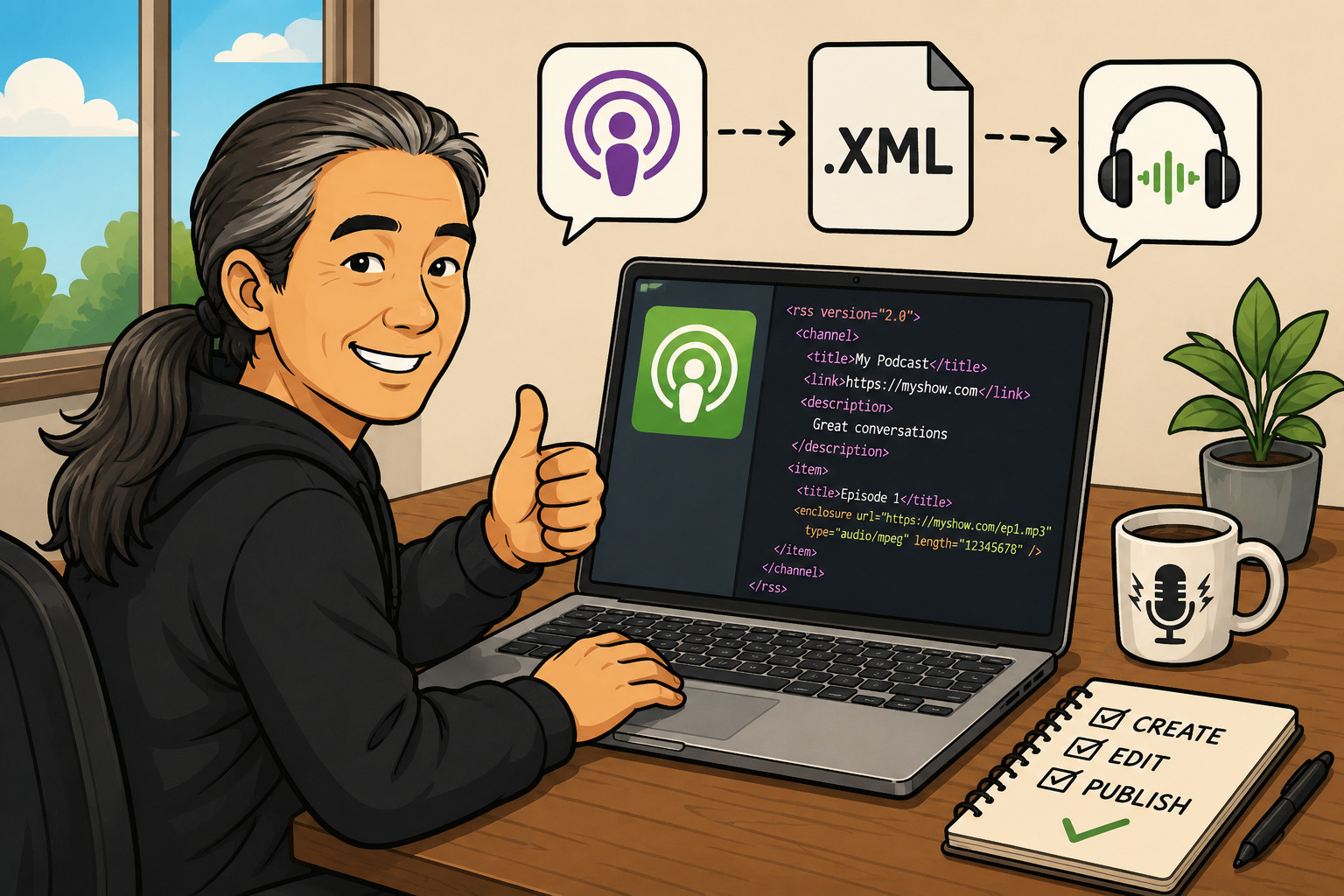
I’ve been trying to build my own podcast RSS feed creator using AI. I understand programming concepts, but I am terrible at writing and debugging code. I don’t have the patience for it. When people started using AI tools to build software, I figured I would finally be able to cobble something together.
Over the past year, I kept tinkering with different AIs. I used ChatGPT, Grok, Copilot, and Claude. My first prompts were far too broad. I thought these tools should be able to understand, “Create a tool that works in the browser that can create and edit podcast RSS feeds.” A human can understand exactly what I mean, but this is too general for AI.
Most of the problem came from my prompts, as I was still learning the capabilities of these tools and how to manipulate them to do what I wanted. The other problem was that, a year ago, the tools just weren’t that good either. In other words, both the human creator and the AI tool were not ready for prime time.
But I kept at it and refined my approach until one day I had an epiphany about how to get started. I created a simple HTML form with some of the tags needed to create a podcast feed. From there, I slowly iterated, improving the form a little at a time until it turned into a surprisingly capable podcast RSS builder that runs entirely in a browser. It’s all done in a single browser window. No installation. No server. Just open it and use it. I used Claude.ai for the entire project.
Podcast RSS feeds combine several overlapping specifications. A valid feed has to satisfy RSS 2.0, Apple’s podcast requirements, and modern Podcast 2.0 specifications. I tested every new version of my form using RSS feeds I built with other tools. This allowed me to catch several edge cases as they appeared. A broken category lookup caused by & versus &. Deprecated Apple tags. Browser caching issues. WordPress CORS headaches.
The project grew from generating feeds to loading, editing, and managing them. It can import existing feeds, edit episodes in memory, handle live podcasting features, support Lightning payment metadata, and even provide direct XML editing.
None of this was built through traditional coding. I described what I wanted in plain language, AI generated the code, and I tested it against real podcast feeds. It took about two months to birth my RSS feed builder.
If I can build this using AI tools, imagine what a real programmer can do. Yes, I have a background in computer science. And yes, I have written code. But I was never good at it and never had the patience for it. I hate reviewing and debugging. This is actually something I think other people can use.
So why did I go through all this?
First, I like to understand how new technology works. I like to see if I can do at least a little of what other people can do. I dabble in podcasting for the same reason. The promise of podcasting is that anyone with a few simple tools and very little investment can create a show and distribute it over the Internet. If you have a place to store an MP3 file that is publicly accessible, you can distribute your own podcast. But you need an RSS feed to do it.
For some reason, there are very few simple, standalone podcast RSS feed creators/editors that run locally, aren’t tied to a service, and support modern podcasting standards. Unless you hand-code the feed yourself, you’re usually dependent on someone else.
A podcast RSS feed is what podcast apps use to display and download the latest episodes. The feed is simply a text file formatted in a certain way and saved with a .xml extension. XML stands for eXtensible Markup Language. It’s like HTML but uses different tags. Tags are labels that identify data. Here’s an example of a podcast RSS feed tag: <itunes:author>Kevin Bae</itunes:author>.
There are only a handful of required tags, but modern podcast apps expect many more. People use additional tags to customize their feeds and give their podcasts extra functionality. Coding it by hand can be done, but it’s extremely tedious and prone to errors. One mistake can cause podcast apps or validators to reject your feed.
When I first started playing around with podcasting, I used tools built by others. Some were plugins for my WordPress sites. Some were websites built by others. The best was Sovereign Feeds. It was awesome because it was compatible with iTunes and implemented most of the popular tags from Podcasting 2.0.
At the time I started this project, I was interested in Value4Value. This is where a listener can pay the podcaster while listening using Bitcoin. It’s a very cool technology. Sovereign Feeds was great, but I was still dependent on it. The tool is open source, and everything needed to build your own version is on GitHub. But it’s far too complex for me. I wanted something simpler with very little overhead.
Now, my tool isn’t perfect. It’s also not fully tested, as I was using some of my feeds for podcasts that are relatively inactive. I’ll be testing it further in the coming months. I’m sure there are bugs or inconveniences that real-world use will uncover. But I think it’s at the point where it works well enough for anyone who doesn’t want to pay extra, doesn’t want to install software, and wants to remain as independent as possible.
Give it a try! PodRSSBulider
Below are different iterations of the form.